Recorded demos pile up fast. Conference talks sit in shared drives. Internal walkthroughs get uploaded, then forgotten. Weeks later, someone asks about a specific command used in minute seventeen of a tutorial, and nobody wants to scrub through an hour of footage just to find it. That friction is a signal. Your video archive needs structure, indexing, and automation.
A clean pipeline that converts video into searchable documentation changes everything. Instead of raw media files, you get text artifacts, subtitle tracks, structured Markdown, and version-controlled docs. By integrating a WebM-to-text workflow into your automation stack, you turn recorded knowledge into something that can be parsed, diffed, indexed, and published.
Quick Summary
- Convert recorded demos into text automatically
- Use Python to structure transcripts into Markdown
- Trigger shell scripts via cron or CI pipelines
- Store outputs in Git for searchable documentation
- Publish subtitles and written guides side by side
Why Video Alone Is Not Documentation
Video is powerful. It captures nuance, tone, and step-by-step execution. Yet it is opaque to search engines and internal search tools. Plain video files do not integrate cleanly with code review, pull requests, or documentation portals. A ten-gigabyte archive of MP4 files is not a knowledge base. It is a storage problem.
Text changes that. Once your recordings are converted into transcripts, they become searchable artifacts. You can grep through them, attach them to issues, or generate API references from them. In teams already comfortable with automation, especially those reading about topics like shell scripting automation basics, adding media to the documentation stage feels like a natural extension of existing workflows.
This pipeline mindset treats transcription as infrastructure. It is not a one-off task. It is a repeatable process triggered by events such as file uploads or scheduled jobs. Once that mental shift happens, video stops being an isolated format and becomes another input to your build system.
Architecture of a Video to Documentation Pipeline
The pipeline can be broken down into distinct stages. Each stage is modular. Each stage can fail independently. This separation makes debugging easier and scaling more predictable.
- Ingestion of video files from a known directory or storage bucket.
- Conversion of video to text using a transcription endpoint.
- Optional subtitle generation to produce SRT or VTT files.
- Post-processing of raw transcripts into structured Markdown.
- Commit and publish to a documentation repository.
Notice how each step is scriptable. The ingestion phase might simply scan a directory for new files, the conversion phase can call an API, and the formatting phase uses Python string manipulation or templating engines. Nothing here requires manual intervention once it is wired together.
Transcription as the Automation Core
At the center of this system is transcription. Without text, the rest of the pipeline collapses. For WebM recordings, especially those exported from browser-based tools, integrating a WebM-to-text endpoint ensures your pipeline can handle raw conference captures and recorded screen sessions without re-encoding them first.
For teams that want subtitles alongside written documentation, it makes sense to generate subtitles during the same workflow. That single decision gives you synchronized captions for embedded players and plain text transcripts for documentation pages. You get accessibility and indexing at the same time.
Under the hood, this is simply an HTTP request. Your shell script can call curl with a file payload. Your Python wrapper can handle response parsing. The output, whether JSON or plain text, becomes the input to your formatting stage.
Python for Structuring Raw Transcripts
Raw transcripts are messy. They include filler words, inconsistent punctuation, and long unbroken paragraphs. Python is ideal for transforming this into readable documentation. It handles text processing cleanly and integrates with file systems, Git, and CI tools without friction.
A minimal script might read the transcript file, split it into paragraphs based on timestamps, and wrap those paragraphs in Markdown headers. A more advanced version might detect command-line snippets by pattern matching and wrap them in fenced code blocks. If your team already works with structured data, techniques discussed in topics such as JSON validation in Python translate directly to cleaning and shaping transcription responses.
You can also extract metadata. Duration. Speaker labels. Topic segments. All of this can be written to the front matter in a static site generator. Suddenly, your documentation portal is automatically enriched with context that was previously buried inside a video file.
Shell Scripts as the Glue
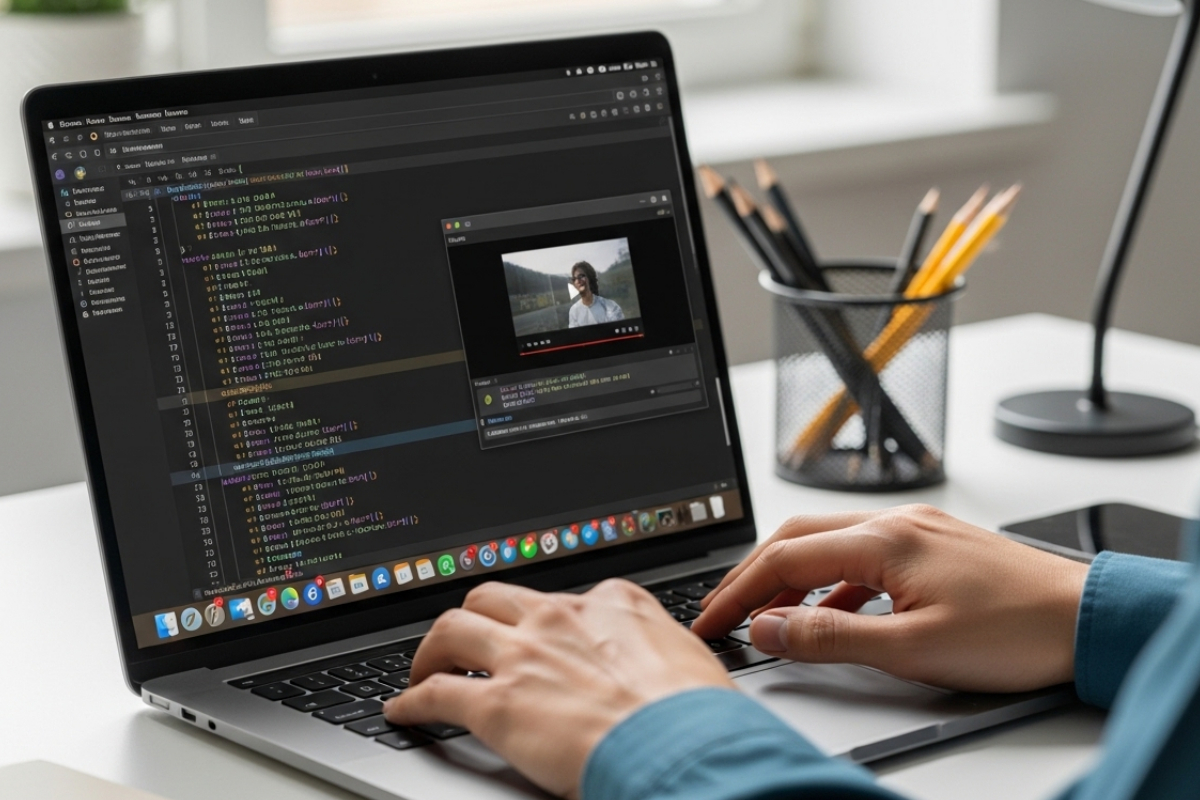
A developer types on a laptop at a modern desk, with the screen displaying a code editor running Python scripts and shell commands to process a video file, along with a small video preview window. They work actively on the keyboard, while the clean desk holds minimal accessories, bathed in soft natural light in a professional, focused environment. Capture in high resolution with sharp focus and shallow depth of field.
For example, a script might perform these steps:
- Check for new files in /recordings
- Send each file to the transcription endpoint
- Store the returned transcript as .txt
- Call a Python script to convert text into Markdown
- Commit changes to a Git repository
This approach is transparent. If something breaks, logs tell you where, and you can run background jobs for parallelism or use cron for scheduling. The shell layer remains lightweight and predictable.
Continuous Integration and Documentation Builds
Once transcripts are converted into Markdown, your CI pipeline can treat them like any other source file. A push to the repository triggers a documentation build. Static site generators compile pages. Search indexes update automatically.
This fits neatly into container-based workflows discussed in environments that rely on container orchestration. For example, many teams already rely on containerized build systems. The same principles outlined in Docker container basics can be applied to run transcription formatting scripts inside isolated environments.
The result is reproducibility. Every transcript passes through the same transformation logic. Every documentation page follows the same template. Human inconsistency is removed from the equation.
File Format Strategy and Accessibility
Choosing output formats matters. Plain text is easy to diff. Markdown integrates well with Git. SRT and VTT subtitle files are widely supported. HTML fragments can be embedded directly into documentation portals.
| Format | Primary Use | Advantages |
|---|---|---|
| TXT | Raw transcript storage | Simple, diff-friendly |
| MD | Documentation pages | Readable, version-controlled |
| SRT | Video captions | Widely supported |
| VTT | Web subtitle tracks | Browser native support |
Accessibility standards from organizations such as the W3C Web Accessibility Initiative stress the importance of captions and text alternatives. By embedding subtitle generation into your pipeline, you are not just improving searchability. You are also meeting widely accepted accessibility practices.
Scaling the Workflow Across Teams
A single developer can maintain a basic pipeline. A larger team requires guardrails. Naming conventions. Directory structure. Error handling policies. Logging formats. These details make the difference between a hack and a system.
Consider these numerical checkpoints for scaling, each separated clearly to avoid ambiguity.
- Standardize input formats so every recording is predictable.
- Centralize configuration values such as API endpoints and output directories.
- Implement retry logic for network failures.
- Store transcripts in a dedicated documentation branch.
- Monitor processing time and file size trends.
Each point reinforces stability. A predictable pipeline becomes a trusted internal service rather than a fragile experiment.
Turning Transcripts Into Living Documentation
The final transformation is cultural. Once transcripts are automatically generated, teams begin referencing them in tickets. They link to specific paragraphs in pull requests. They extract command sequences into official guides. Video becomes the raw material. Text becomes the maintained asset.
Over time, you may even build search tools that index transcripts directly. A simple inverted index built in Python can allow internal search across thousands of hours of recorded content. The pipeline then feeds not just documentation pages but knowledge discovery systems.
That shift changes how meetings are perceived. Recording a demo is no longer an isolated event. It is the first stage in a documentation build. Engineers begin to speak more clearly. They reference commands precisely. They know their words will become part of the written record.
From Media Archive to Searchable Knowledge
A video on a documentation pipeline built with Python and shell scripts is not complicated. It is disciplined. It treats transcription as infrastructure, formatting as code, and publishing as an automated outcome. Each recording moves through predictable stages until it lands in a repository as structured, searchable text.
Once that loop is closed, knowledge stops fading into forgotten folders. It becomes version-controlled, indexed, and accessible. The combination of shell orchestration, Python processing, and automated subtitle generation transforms media from passive storage into active documentation. That is the quiet power of automation applied to recorded experience.